
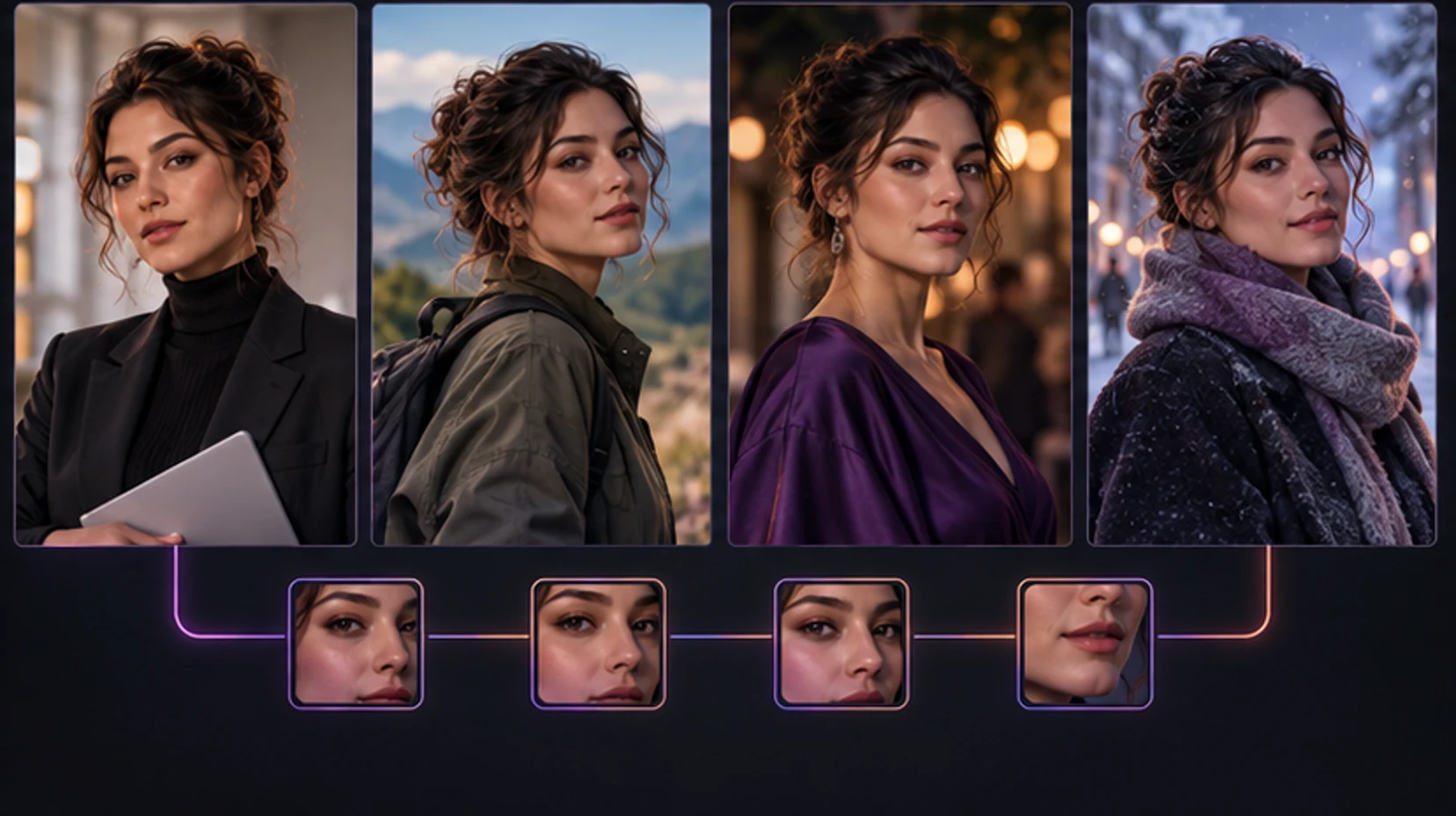
Creating one attractive AI portrait is easy compared with creating ten images that clearly depict the same person. The face shifts, eye color changes, a signature mole moves, body proportions drift, and a character who looked thirty in one frame suddenly looks much younger in the next. This is not mainly a vocabulary problem. It is a control problem.
Text-to-image models are good at representing concepts such as “woman with dark curly hair in a red dress.” They are not automatically committed to your private mental model of one fictional adult. Consistency improves when you give the system a stable identity signal, separate that identity from the scene, and change variables deliberately.
This guide is tool-agnostic. Some apps expose reference strength, seed, model, sampler, or editing controls; others hide the machinery behind a character profile. Use the controls you have, keep a record of what worked, and do not confuse a lucky generation with a repeatable workflow.
Define consistency before you generate
“Same character” can mean several things. Decide what must remain fixed and what may change.
| Layer | Usually keep stable | Safe to vary deliberately |
|---|---|---|
| Identity | Face shape, eyes, nose, mouth, age range, skin tone | Expression, makeup intensity |
| Hair | Base color, texture, hairline | Styling, accessories, temporary updo |
| Body | General build, height impression, proportions | Pose, clothing silhouette |
| Signature details | Freckles, scar, tattoo, jewelry | Visibility when covered or out of frame |
| Visual style | Photoreal, illustration, anime, cinematic | Lighting and color grade within the style |
| Scene | Nothing essential | Location, action, wardrobe, camera angle |
Identity consistency does not mean pixel duplication. A real person looks different under hard light, from a wide-angle camera, while laughing, or after changing makeup. The goal is recognizable continuity, not freezing every image into the same pose.
Make a compact character sheet before generating:
- Fictional adult age range, stated clearly.
- Face shape and two or three distinctive facial traits.
- Eye color and natural eyebrow shape.
- Hair color, length, texture, and usual part.
- General build.
- One or two signature details.
- Default visual medium and realism level.
Avoid ten near-synonyms for beauty. “Beautiful, gorgeous, stunning, perfect, flawless” consumes attention without distinguishing identity. “Oval face, wide-set hazel eyes, softly arched brows, short black bob, small beauty mark below the left eye” is testable.
Start with one strong anchor portrait
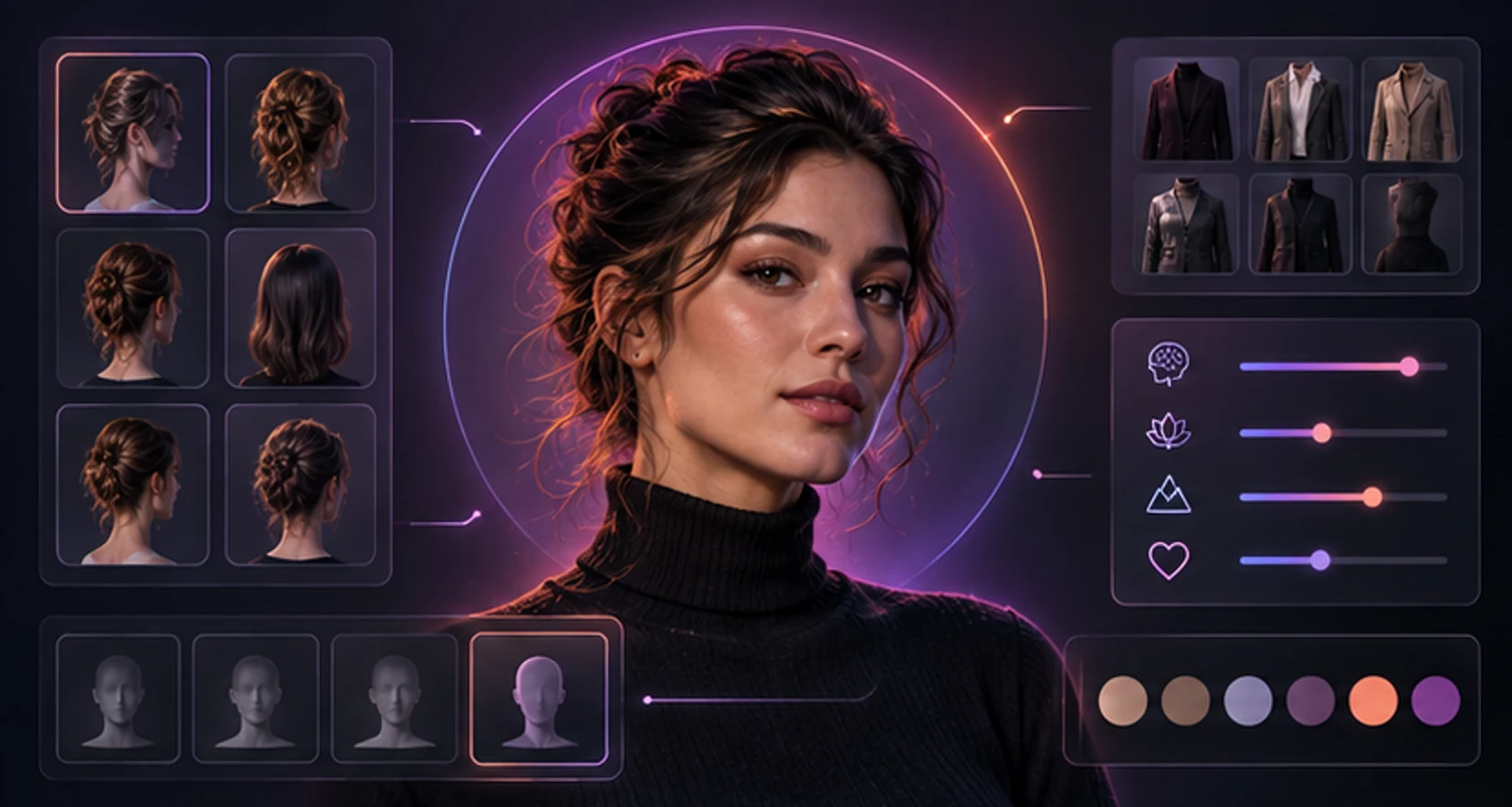
Your anchor should be the image you would hand to an illustrator and say, “This is her.” Generate it before experimenting with dramatic poses or elaborate environments.
A useful anchor portrait has:
- One clearly visible adult subject.
- Face large enough to read, but not cropped tightly.
- Neutral or gently expressive features.
- Soft, even light.
- Minimal occlusion from hair, hands, glasses, or props.
- Natural lens perspective rather than an extreme wide angle.
- The intended baseline hair and makeup.
- A simple background.
Reject an anchor with beautiful lighting but uncertain anatomy or ambiguous age. Small flaws tend to propagate when later images are conditioned on it. Also reject a heavily filtered image if you want realistic outputs; the reference may teach the system the filter as part of identity.
Save the prompt, model or style preset, aspect ratio, and any available generation settings. Give the file a useful name such as maya-anchor-v1-three-quarter. “Final2-new-real.png” becomes meaningless after twenty iterations.
If your tool supports multiple references, do not immediately upload every image you like. References that disagree about eye spacing, hairline, age, or illustration style ask the model to average incompatible people. Begin with the best image. Add a frontal or profile reference only when it supplies information the anchor genuinely lacks.
Separate the identity block from the scene block
A reusable prompt is easier to control when it has modules.
Identity block:
fictional 28-year-old adult woman, oval face, wide-set hazel eyes, softly arched dark brows, straight nose, full lower lip, warm olive skin, short black bob with a left part, small beauty mark below her left eye, athletic build
Scene block:
reading beside a rainy apartment window at night, charcoal knit sweater, warm table lamp, candid three-quarter view, realistic photography
Quality and boundary block:
one adult subject, natural hands, coherent anatomy, face unobstructed
Keep the identity block unchanged while testing scenes. If the face drifts, you know the cause is likely the new scene, camera, styling, or reference balance—not a silent rewrite of the character definition.
Conflicting words are common. “Short bob” plus “long hair flowing down her back” creates a forced compromise. “Soft studio portrait” plus “harsh midday documentary flash” does the same for lighting. Resolve contradictions rather than adding more words.
When a platform offers negative prompts, use them sparingly for recurring failures: wrong eye color, duplicate person, obscured face, or age ambiguity. A huge generic negative list can suppress useful variety and is difficult to debug.
Understand the tools behind identity control
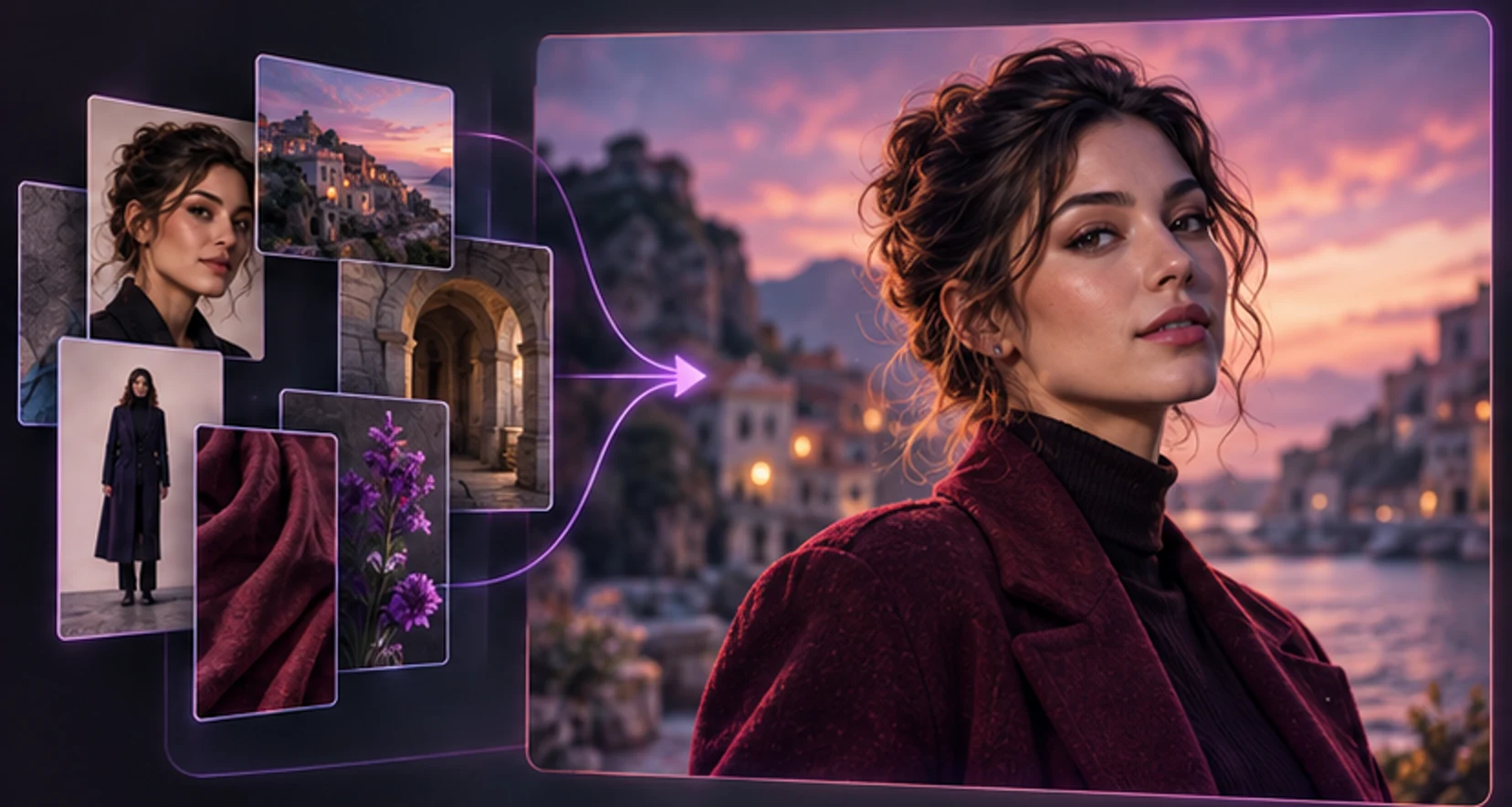
Different systems preserve identity in different ways. Knowing the category helps you set expectations.
Reference-image conditioning
The system extracts visual information from one or more images and uses it alongside the text prompt. IP-Adapter is a well-known research example: it adds image-prompt capability to a pretrained text-to-image model through a separate attention mechanism (IP-Adapter paper). Consumer products may use different or proprietary methods, so an “image reference” label does not imply IP-Adapter specifically.
Reference strength is a tradeoff. Too low and identity drifts. Too high and the output copies the anchor’s pose, crop, lighting, or clothes. Find the lowest strength that keeps recognition, then test a meaningful scene change.
Subject-specific fine-tuning
Methods such as DreamBooth fine-tune a model to associate a unique identifier with a subject from a small image set. The original research demonstrated subject recontextualization across scenes and views (DreamBooth paper). Fine-tuning can preserve identity well, but results depend on clean training images, captions, parameters, and the base model. It can also overfit, reproducing training poses instead of generalizing.
Lightweight adapters and LoRAs
A trained adapter can encode a character with less storage and computation than a full model fine-tune. Quality varies widely. If a service says it creates a custom character model, ask whether you can delete the training images and derived character data.
Seed locking
A seed initializes the random process. Reusing it with nearly identical settings can make composition more repeatable. It is useful for controlled comparisons, not a complete identity solution. Change the aspect ratio, model, prompt, or major pose and the same seed may no longer resemble the anchor.
Image editing and inpainting
Editing starts from an existing image and changes selected regions or instructions. It is often the most efficient path when the face is right but the outfit, background, or hand is wrong. Regenerating the whole frame discards correct information.
Change one major variable at a time
The fastest way to lose consistency is to request a new hairstyle, location, camera angle, outfit, expression, lighting scheme, and art style in one generation. When it fails, you learn nothing.
Use a progression:
- Anchor portrait, neutral background.
- Same framing, different expression.
- Same face and hair, medium shot.
- New outfit, simple background.
- New location, familiar camera angle.
- Full-body pose.
- Difficult lighting or action.
- Only then, a different visual medium.
At each step, keep the best successful output as a secondary reference if the tool supports it. Do not replace the anchor merely because a later image is more dramatic. The anchor’s job is clarity.
For a wardrobe series, define the clothing as a scene variable. For a travel sequence, keep hair, makeup, camera language, and identity reference stable while locations change. For an intimate adult scene, state adulthood unambiguously, keep the same identity controls, and avoid any real person’s likeness without permission.
Diagnose drift instead of endlessly rerolling
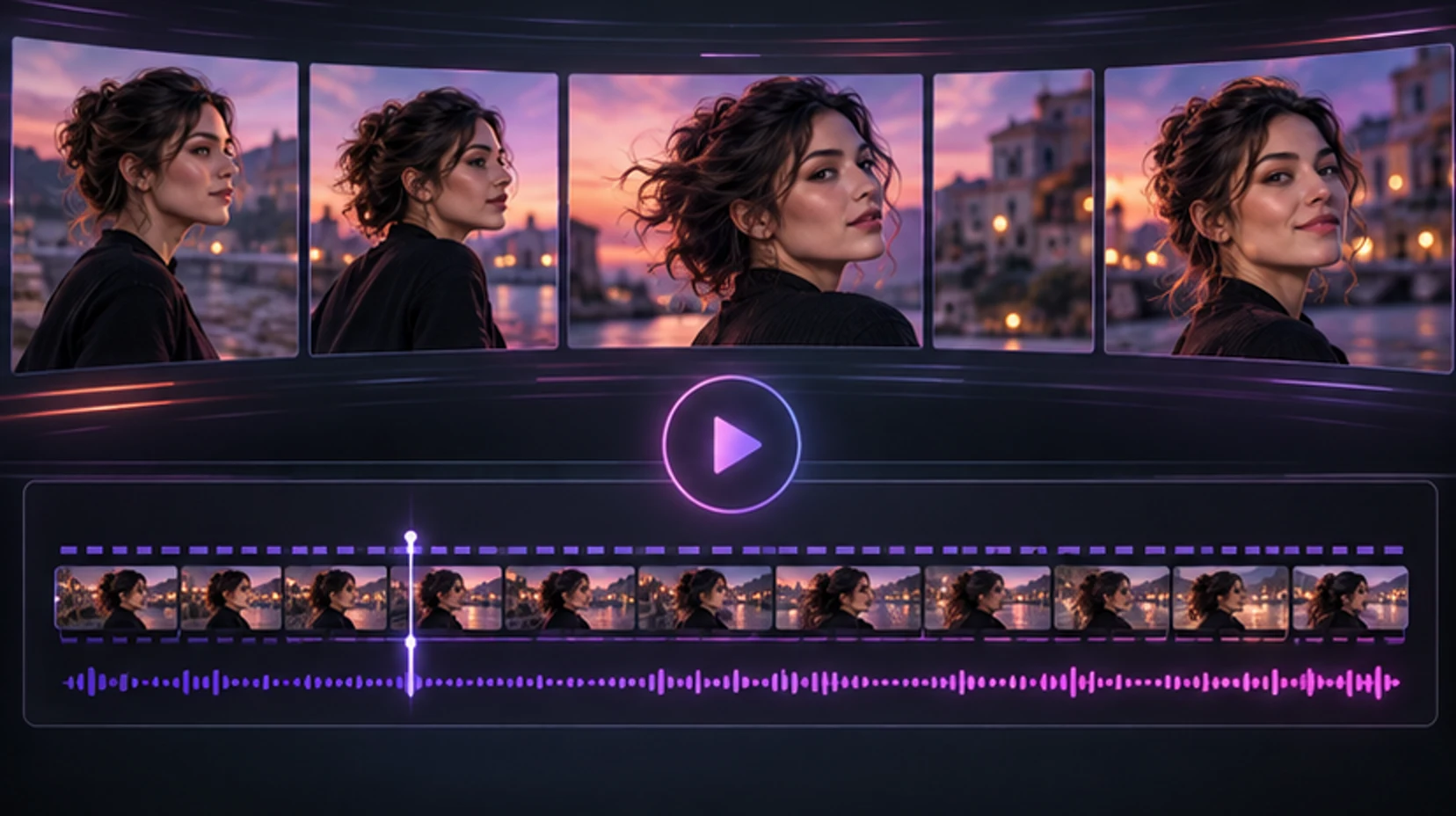
When an image fails, classify the failure.
| Symptom | Likely cause | First correction |
|---|---|---|
| Entirely different face | Weak identity signal or conflicting prompt | Raise reference influence slightly; restore identity block |
| Same face, copied pose | Reference influence too high | Lower strength; use a reference with neutral pose |
| Character looks younger | Age omitted, styling cue, model bias | Restate adult age; remove youth-associated wording |
| Hair changes | Scene prompt conflicts or hair is occluded | Repeat exact hair definition; use visible-hair anchor |
| Face works only in portraits | Insufficient angle coverage | Add coherent profile/three-quarter reference or edit |
| Identity changes with art style | Style transformation overwhelms features | Make smaller style steps; keep reference stronger |
| Two people merge | Ambiguous subject count | State one subject; separate character references |
| Signature mark moves | Model treats it as decoration | Use editing/inpainting; accept minor variation |
Run A/B comparisons: same prompt and seed, change only reference strength; or same reference and settings, change only one phrase. Save the pair and result. This turns guessing into a small experiment.
Do not chase absolute similarity by increasing reference strength forever. If every output becomes the original portrait in a different background, you have consistency without character performance. The character should still turn, move, emote, and inhabit new scenes.
Use a prompt ledger
A prompt ledger can be a note, spreadsheet, or filename convention. Record enough to reproduce a result:
| Field | Example of what to record |
|---|---|
| Character version | Maya v1.2 |
| Anchor files | Frontal v1, three-quarter v2 |
| Identity text | Exact reusable identity block |
| Scene text | Outfit, action, location, camera |
| Model or preset | Exact visible name and version |
| Dimensions | Width, height, aspect ratio |
| Identity strength | Reference or character control value |
| Seed | When exposed by the tool |
| Result | Keep, edit, reject, and reason |
“Reject” is not enough. Write “face broadened,” “looks under 21,” “copied anchor pose,” or “great identity, wrong jacket.” Patterns become obvious after ten rows. You may find that full-body images need a different reference balance, that one lighting phrase changes perceived age, or that a particular anchor causes the same head tilt.
Preserve exact prompts rather than reconstructing them from memory. A changed comma is rarely important, but silently changing four descriptive phrases is. When a provider does not expose technical settings, record the controls it does expose and the date. Hosted models can change behind a stable product name.
Use contact sheets, not isolated admiration
One image can look perfect on its own while failing as part of a series. Put eight candidates in a grid at equal size. Cover the backgrounds mentally and ask whether they could be photographs of one adult across different days.
Score each candidate from zero to two on:
- Face geometry.
- Eye and eyebrow relationship.
- Nose and mouth shape.
- Age impression.
- Skin tone under expected lighting variation.
- Hairline, color, and texture.
- Body/build continuity when visible.
- Signature details.
Do not demand identical color values across sunset, fluorescent light, and studio flash. Judge structural features before color grade. Conversely, do not excuse a different jaw, eye spacing, and age as “just lighting.”
Choose one image as the identity winner and another as the scene winner. If neither wins both, edit or regenerate from the stronger foundation rather than accepting a compromised reference.
Build a production-ready character bible
Once the identity is stable, create a small approved set:
- Clean frontal portrait.
- Three-quarter portrait.
- Profile.
- Waist-up neutral pose.
- Full-body neutral pose.
- Smiling and serious expressions.
- Indoor warm light and outdoor daylight.
- Default outfit and one alternate outfit.
Record the exact stable traits beside the images. Note what must not change and what is allowed to vary. If you are creating content over weeks, record the model or preset version as well; a provider update can change rendering even with the same prompt.
Use versioning. v1 might be the initial identity; v1.1 corrects eye color without changing facial structure; v2 deliberately changes hairstyle. Never quietly mix versions in the same story sequence.
Plan scenes as a continuity editor
For a multi-image story, write a shot list before generation. Example:
- Establishing shot outside a hotel at dusk.
- Waist-up frame in the lobby, black coat still on.
- Close portrait by the elevator, coat open, same earrings.
- Room interior, coat removed, burgundy dress visible.
- Morning window portrait, different outfit but same hair and face.
Track wardrobe and props between adjacent frames. Generative systems may change earrings, nail color, handbag, weather, or time of day unless reminded. Identity consistency cannot rescue broken scene continuity.
Create a tiny continuity table:
| Shot | Hair | Outfit | Accessories | Light | Must carry forward |
|---|---|---|---|---|---|
| 1 | Down, left part | Black coat | Silver hoops | Cool dusk | Red suitcase |
| 2 | Same | Same | Same | Warm lobby | Suitcase beside her |
| 3 | Same | Coat open | Same | Elevator practical | No suitcase in crop |
Generate neighboring shots with the closest approved image as an additional reference when possible. The original anchor protects identity; the neighboring frame protects temporary scene state.
For intimate adult sequences, continuity planning also protects age clarity and consent framing. Keep the character’s adult age explicit, avoid abrupt changes that make the subject appear younger, and never introduce a real identifiable person without permission.
Know when to edit instead of regenerate
Use editing when most of the image is already correct:
- Change clothing color while preserving face and pose.
- Remove an unwanted accessory.
- Repair a hand away from the face.
- Replace a simple background.
- Correct a small signature feature.
Regenerate when the foundation is wrong:
- The adult identity is ambiguous or clearly different.
- Perspective or anatomy is globally broken.
- The requested pose is absent.
- Lighting contradicts the entire scene.
- Multiple subjects are entangled.
Mask the smallest region that can solve the problem, but leave enough surrounding context for a natural blend. Editing only the exact pixels of an eye may create a sharp seam; editing half the face may alter identity. Work outward gradually and compare at normal size, not only zoomed in.
Keep edited outputs linked to their parent file. If an edit changes the face substantially, it should not become a new anchor just because the clothing improved.
Adapt the workflow to difficult shots
Profiles: Use a profile reference if available and restate distinctive nose, chin, and hairline traits. A frontal anchor contains limited side-view information.
Full body: Identity occupies fewer pixels. Increase output resolution where supported, simplify the environment, and accept that face detail may need a careful edit.
Strong expression: A laugh changes eyes, cheeks, and mouth. Compare stable bone structure rather than demanding a neutral-face match.
Low light: Neon and colored light shift skin and eye colors. Preserve shape, then correct color grading consistently across the series.
Different hairstyles: Decide whether the hairstyle is a temporary scene choice or a new character version. Retain hairline, facial structure, and age cues while changing length or arrangement.
Two recurring characters: Use separate identity references and explicit spatial descriptions. Generate simple compositions first. If the tool cannot reliably bind each identity to the correct body, create or edit the characters separately rather than accepting face blending.
Mirrors and reflections: These are hard because the model must maintain geometry and identity twice. Ask for a simple composition, expect more retries, and inspect whether the reflection invents a second face or inconsistent clothing.
For MyWifu, create a companion once, then use the character’s established portrait and traits as the continuity anchor when requesting custom media. You can start a companion design or browse active companions before deciding how much customization you need.
Consent, provenance, and adult-safety rules
Technical consistency can make synthetic media more convincing, which increases your responsibility.
- Use a fictional adult identity by default.
- Do not use an identifiable adult’s face for intimate content without explicit permission.
- Never create sexualized minors, age-ambiguous characters, or prompts that attempt to evade age safeguards.
- Do not present generated images as documentary evidence.
- Keep original references private and delete unwanted uploads where controls allow.
- Avoid including addresses, IDs, workplace badges, or other personal data in references.
- Label synthetic media when context could mislead a viewer.
NIST’s work on synthetic-content risk discusses provenance approaches such as metadata and watermarking while acknowledging that the field continues to evolve (NIST AI technical reports). Provenance does not grant consent, and a watermark does not make harmful impersonation acceptable.
If the character is inspired by several aesthetics, ensure the final identity is independently fictional rather than a thin disguise for one real person. “Publicly available photo” is not the same as permission.
A compact consistency checklist
Before generation:
- The character is unmistakably an adult.
- One anchor portrait is clear and technically sound.
- Identity traits are short, concrete, and reusable.
- References agree on face, age, hair, and style.
- The scene block contains no identity conflicts.
- Model, aspect ratio, and available settings are recorded.
After generation:
- Face remains recognizable at normal viewing size.
- Eye and hair color match.
- Age impression is stable.
- Signature features are present when visible.
- Anatomy and subject count are coherent.
- Scene instructions were followed without copying the anchor.
- The image is saved with prompt and version information.
If a result fails two or more identity checks, do not promote it to the reference set. One drifting image can pull later generations farther away.
Consistency is a workflow, not a magic prompt. Establish an adult fictional identity, preserve the anchor, separate person from scene, make controlled changes, and edit good images instead of repeatedly discarding them. That process produces a character who can have a wardrobe, a home, a story, and a visual history without becoming a different person in every frame.
Continue with how AI girlfriends work, personalizing an AI companion, or comparing AI companion pricing.
Before publishing or saving a finished series, run a blind recognition test. Shuffle the images with two or three unrelated outputs in the same general style and ask a trusted adult reviewer to group the recurring character. Do not reveal prompts. If the reviewer groups by clothing or background instead of face and body identity, the series is relying on styling rather than character continuity.
Then inspect at three sizes: thumbnail, normal feed size, and full resolution. Thumbnail recognition tests silhouette, hair, and broad facial structure. Normal size approximates actual viewing. Full resolution reveals eye asymmetry, skin artifacts, jewelry mutations, and editing seams. An image that works only when zoomed out may be unsuitable as a future reference; one with tiny harmless texture variation may still work perfectly in a story.
Archive the approved set and its generation record separately from rejects. Do not let later automation select from a mixed folder. If you share the character publicly, keep provenance notes and disclose synthetic origin where a viewer could reasonably mistake it for a real adult. Consistency increases credibility, so your consent and disclosure standard should become stronger—not weaker—as the technique improves.
Frequently asked questions
Why does my AI character look different in every image?
A text prompt describes a category more easily than one exact identity. Changes in model, reference strength, seed, camera angle, lighting, age words, hairstyle, and conflicting details can all move the face. Stabilize the identity before changing the scene.
What is the best reference image for character consistency?
Use a clear, well-lit image with an unobstructed face, natural proportions, and the defining hair and facial features you want to preserve. A neutral three-quarter portrait is often more informative than an extreme close-up or heavily stylized image.
Do I need the same seed for every image?
A fixed seed can help repeat composition under similar settings, but it is not a durable identity system. It may restrict variety and still drift when the prompt, model, or dimensions change. Reference conditioning or a trained identity method is usually more useful.
Does a longer prompt make a character more consistent?
Not necessarily. Long prompts often contain conflicts and give equal attention to minor styling details. A short identity block with stable traits, followed by a separate scene block, is easier to reuse and debug.
How many reference images should I use?
It depends on the tool. One excellent reference can outperform several inconsistent ones. If multiple references are supported, use a small coherent set covering useful angles without mixing hairstyles, ages, filters, or identities.
Can I keep the face while changing clothes and backgrounds?
Yes, if the workflow separates identity from scene controls. Keep the identity reference and core traits stable, then change one scene variable at a time. Image editing can be more reliable than regenerating everything from scratch.
Is it okay to use a real person as a reference?
Only use an adult’s likeness when you have clear permission and the use is lawful. Never create non-consensual intimate imagery, deceptive impersonation, or age-ambiguous sexual content. A fictional character created from scratch is the safer default.
Make it personal
Meet a companion shaped around you.
Choose a personality, start a private conversation, and explore photos, videos, and voice when you’re ready.
Discover companions